The View Transitions API in Practice
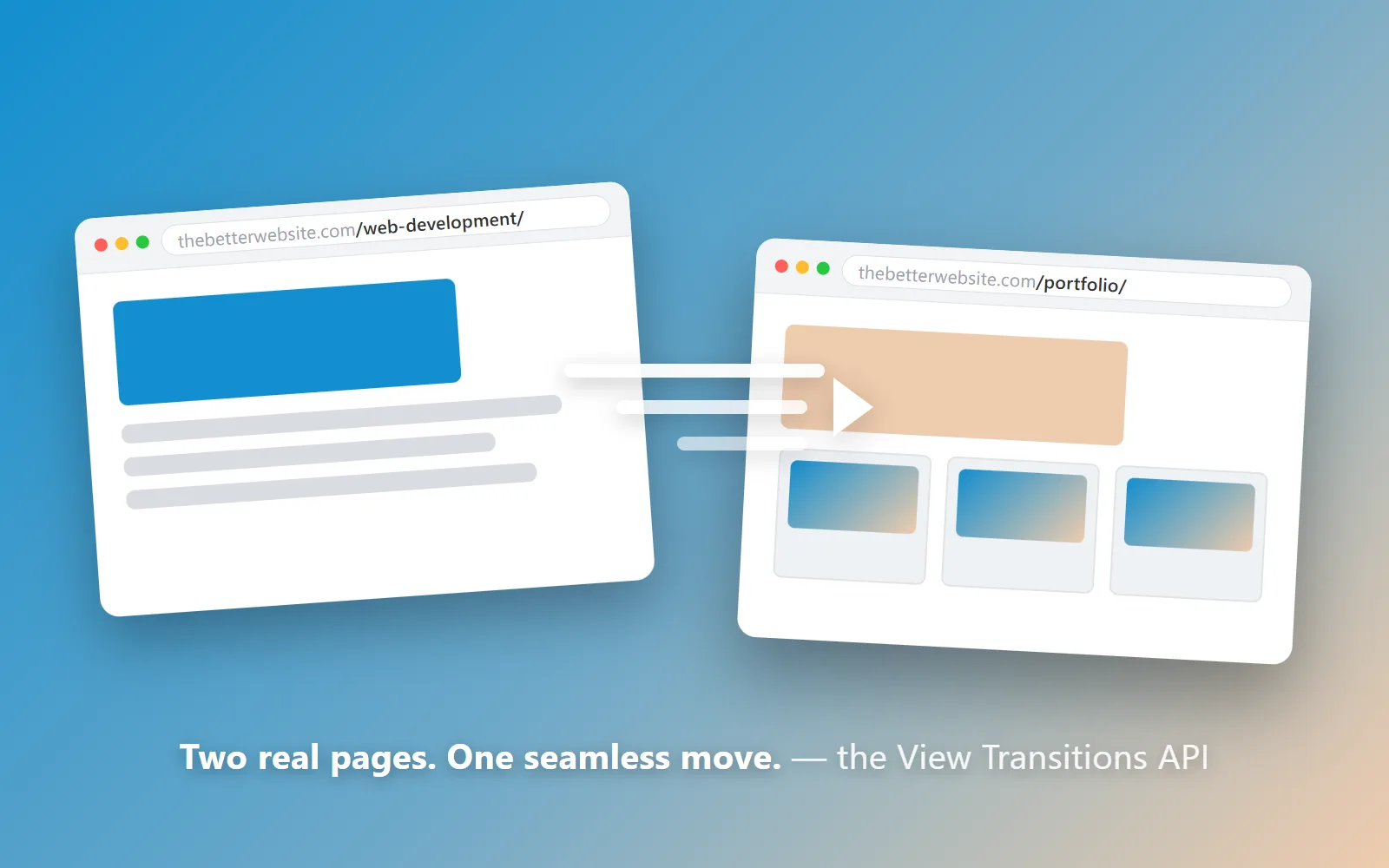
Here’s a trick question: how many pages is this website? Click from one to the next and it feels like one continuous thing, with no seam where one page stops and the next begins. It’s actually seven separate pages, each with its own URL. The seam-hiding is the View Transitions API. MDN can teach you the syntax; this post is about what the thing is actually for, and what shipping it on a real site taught me. Switch on the Slide Deck experience and it goes a step further: scroll past the last section and you land on a whole new page, the URL changing under you. That's a click you didn't have to work for, and every one of those pages is still a real URL a search engine can index. In case you haven't noticed, I'm pretty proud of what I've built and am constantly improving on here.
What it actually does
The idea is almost embarrassingly simple. When a page is about to change (a section swaps, a link navigates) the browser takes a snapshot of the old state, takes a snapshot of the new state, and animates between the two. You describe the motion in ordinary CSS keyframes. The browser’s own compositor runs the animation, on its own thread, which is why it stays smooth while JavaScript-driven scroll effects stutter.
It comes in two flavors. Same-document transitions animate a change within one page: one
JavaScript call, document.startViewTransition(), wrapped around whatever DOM change
you were going to make anyway. Cross-document transitions animate a change between pages
(a real navigation, a real page load) and those need no JavaScript at all. One CSS
rule, @view-transition { navigation: auto }, on both pages, and the browser animates
the handoff.
The cross-document part is the revolution
For over a decade, if you wanted moving between pages to feel seamless, you built a single-page app. A framework, a client-side router, a JavaScript bundle that re-implements navigation: the browser’s whole job, rebuilt in JavaScript, mostly so the screen wouldn’t blink white between pages. That’s an enormous price for a cosmetic problem.
Cross-document view transitions make the browser pay that price instead of you. Your site stays what it always should have been: separate, honest HTML pages with real URLs that bookmark, share, and index like any other website. The animation between them is now the browser’s job. The core promise of the SPA era (navigation that feels like motion instead of a reload) got turned into a CSS feature. If you're a UX dev, you gotta check it out.
The trick this site plays
Both flavors accept the same keyframes, and that’s the whole magic act here. By default, every link between pages runs a cross-document transition. Switch on the Slide Deck experience and scrolling between sections of one page runs a same-document transition too, while scrolling past the last section navigates to the next page: with the exact same animation. Same duration, same easing, same slide. A page change is visually indistinguishable from a section change, so seven pages read as one experience. Google sees a normal multi-page website. You see one site. (The scroll-interception half of that story is its own post, What Is Scrolljacking?)
What shipping it taught me
The API is simple. Using it well has teeth. Three lessons from this site’s build:
The new page doesn’t know which way you were going. A cross-document transition plays on the destination page, which has no idea whether you arrived scrolling forward or backward, so it can’t pick the slide direction on its own. This site passes the direction across the navigation and stamps it on the page with a small script that runs before first paint. Load that script lazily and the first frame animates the wrong way. The pre-paint moment is real, and you have to respect it.
Snapshots have no backdrop. Frosted-glass elements (anything with
backdrop-filter) look dark only because of what’s behind them. A
view-transition snapshot is a flat image with nothing behind it, so glass renders as its bare
white films and flashes on every swap. I regressed on this three separate times before the rule
stuck: never give a glass element its own snapshot layer without baking in a solid base.
Naming an element pins it. Give an element a view-transition-name and the
browser tracks it as its own layer across the change instead of cross-fading it with the rest of
the page. That’s why the navigation menu here holds perfectly still while everything slides
past it, and why the little marker on the active nav link glides from one link to the next
instead of blinking. The morph between two differently-sized elements is free. You just name
them.
Browser support, honestly
Look guys, if you've read this far, you're probably a developer. So I'll level with you: I've wanted to learn React for years, but I've also been waiting for this version of simple CSS behavior to be supported enough to utilize it as a lightweight alternative. As I write this: Chrome and Edge have had both flavors for a while, Safari has both as of 18.2, and Firefox supports same-document transitions but treats cross-document navigations as ordinary page loads. And here’s the part I genuinely like: that fallback is fine. No polyfill, no janky JavaScript imitation. A browser that doesn’t support the API gets a plain, fast, working website, because underneath the motion that’s all this ever was. The same surrender applies to people who’ve asked their system for reduced motion: they get the normal scrolling site, no questions asked. That surrender is most of the answer to whether scrolljacking is bad for accessibility.
That’s the pattern I’d sell you on, more than any one API: build the honest version first, then let the browser make it feel expensive. The full engine (the motion, the scrolljack, the fallbacks) is broken down on the web development page... and maybe for sale ;)